AI image generator
Type it. See it. Ship it.
Three image models in one place, from lightning-fast drafts to posters with real typography. Write in your own language, pick any of eight aspect ratios, get up to four takes at once, then cut out, relight and finish right where the image lands.
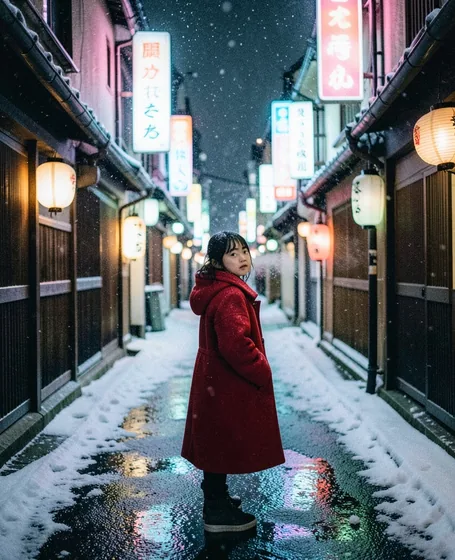
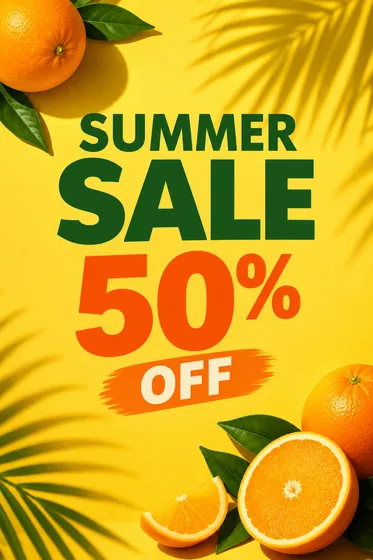
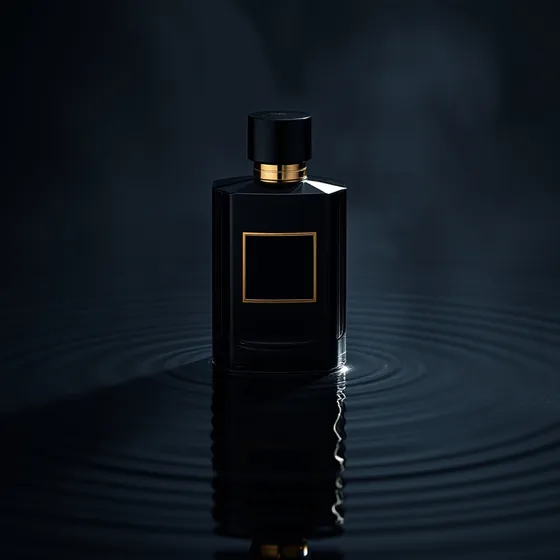
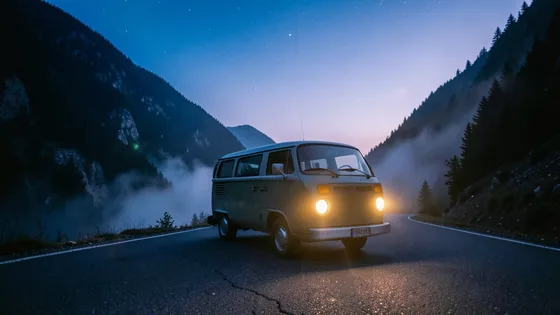
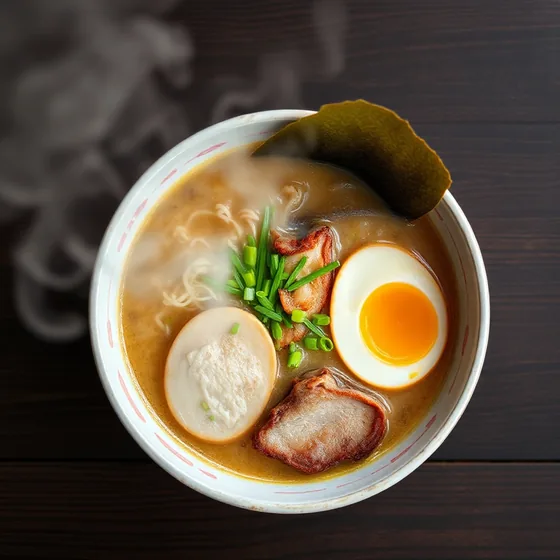
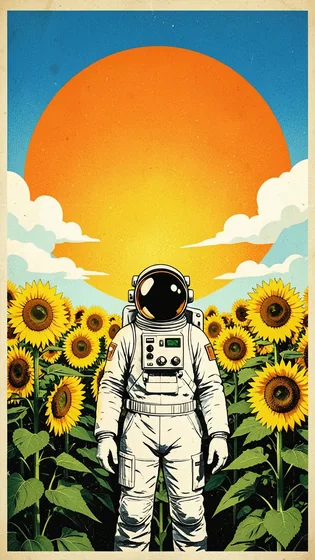
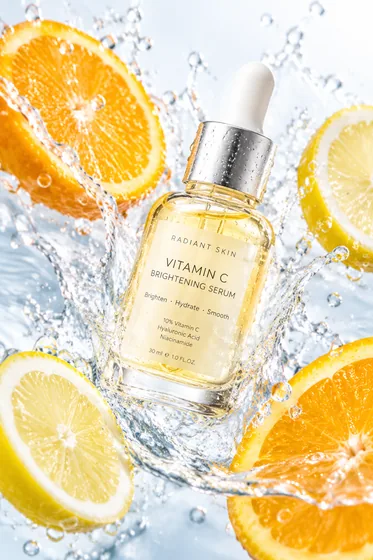
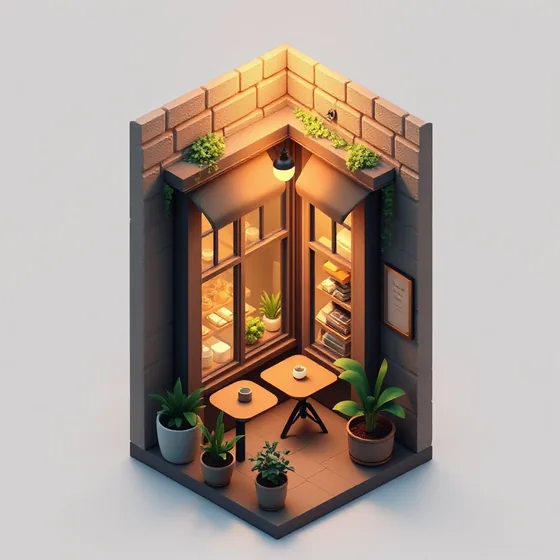
Every image below came from one prompt
AlphaCut Studio
One studio. Three superpowers.
Most people juggle a background remover, an image generator and an editor, downloading and re-uploading at every step. Here it is one canvas, and every result is ready for the next move.
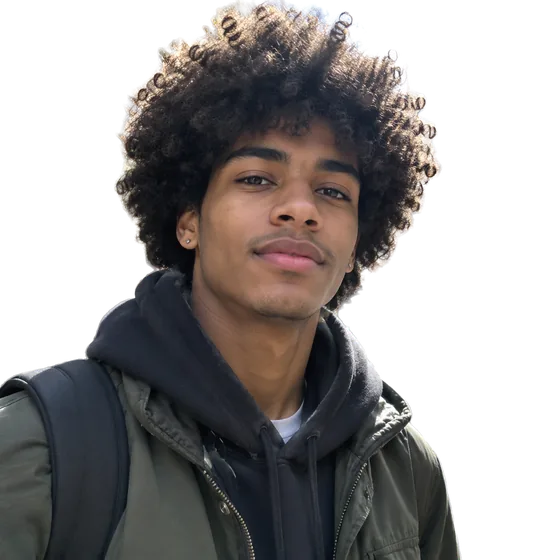
Edges that hold up
Separate modes for hair and fur, hard-edged products and soft outlines. Color fringe removal included.
See what it doesFrom a sentence to a shot
FLUX.1 Schnell, FLUX.2 Klein and GPT Image 2.5. Eight aspect ratios, up to four images per run, prompts in your own language.
See what it does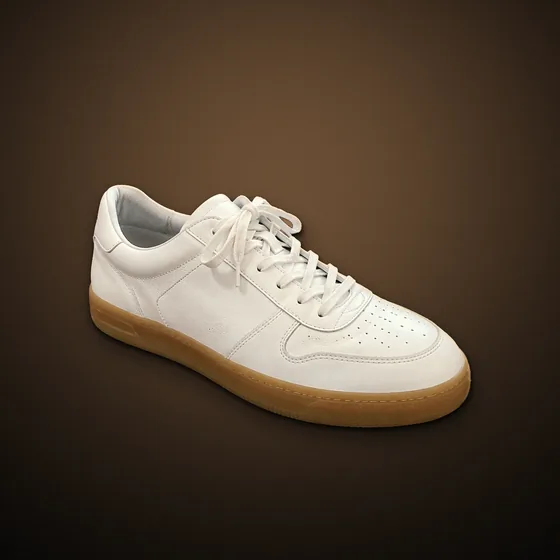
Light it like a studio
Drag the light, add rim light, drop real shadows, pick one of ten looks, swap the background. All non-destructive.
See what it doesHow it works
- 01
Write the idea
In English, Chinese, Japanese, Korean or Spanish. Add style, light, composition and material from the built-in word library.
- 02
Pick model and shape
Fast drafts with FLUX.1 Schnell, any ratio with FLUX.2 Klein, detail and text with GPT Image 2.5. Eight aspect ratios, one to four images.
- 03
Keep the best, finish it
Results land in the filmstrip, ready to cut out, relight, shadow, re-scene and export.
Why it costs so little to explore
From 1 credit per image
FLUX.1 Schnell is the cheapest way to explore: draft many ideas, then spend more only on the one you keep.
Your language works
Prompts in other languages are translated for the model automatically. The ramen and the Tokyo street above were written in Chinese.
AI prompt polish
One tap turns a rough idea into a fuller, more detailed prompt, so first results look intentional.
Questions
Which models can I use?
FLUX.1 Schnell for fast square drafts, FLUX.2 Klein for any aspect ratio, and GPT Image 2.5 for detail and lettering. Each shows its credit cost before you run it.
Can I write prompts in Chinese, Japanese or Spanish?
Yes. The studio translates prompts for the models automatically, so you can write in your own language.
Can I use generated images commercially?
As between you and us, you own the images you create, to the extent the law allows. In some countries AI images may not be protected by copyright. See the Terms for details.
Are the images on this page edited?
No. Each one is a single result from the prompt and model shown on it, resized for the web.
Your next image is one sentence away.
Upload a photo or type an idea. Cut it out, light it, put it somewhere better, and export. One canvas, start to finish.