Product photos for listings
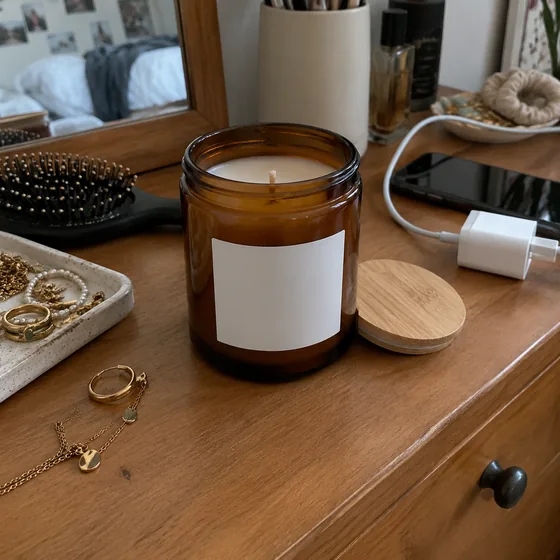
Kitchen counter in. Listing photo out.
No lightbox. No studio. No retoucher. Shoot the product where it stands, and AlphaCut cuts it out cleanly, drops it on pure white with a natural shadow and sizes it for your listing.
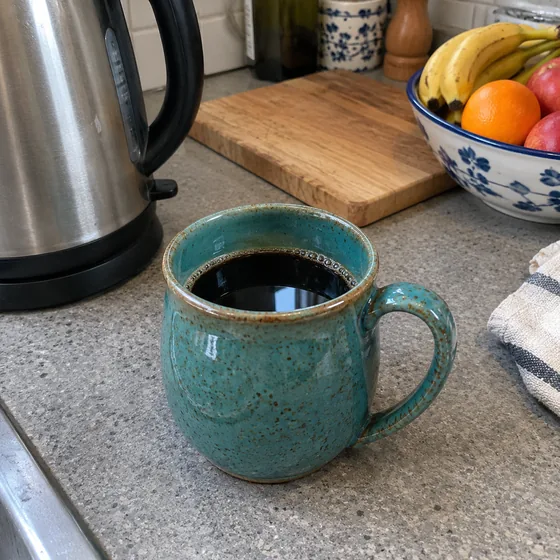

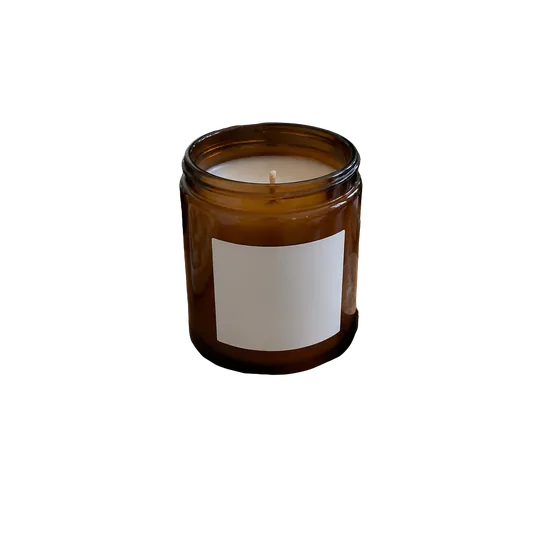
Real phone photos, real results
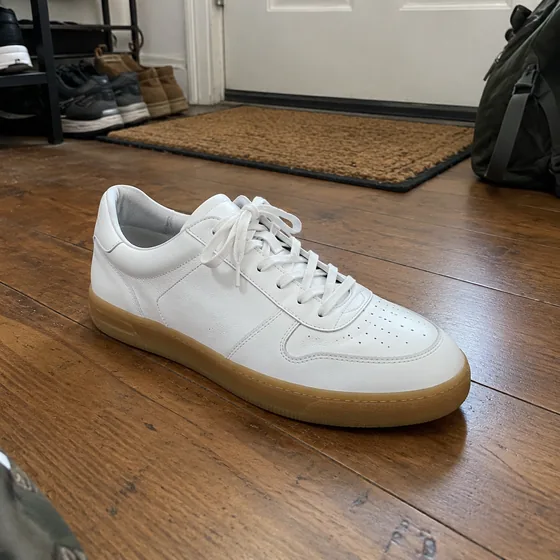
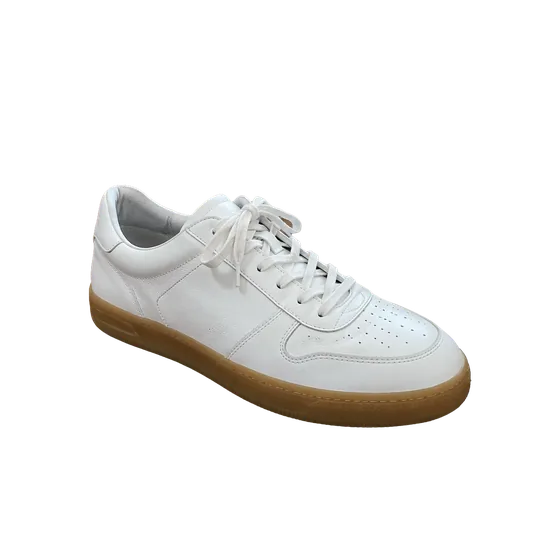
AlphaCut Studio
One studio. Three superpowers.
Most people juggle a background remover, an image generator and an editor, downloading and re-uploading at every step. Here it is one canvas, and every result is ready for the next move.

Edges that hold up
Separate modes for hair and fur, hard-edged products and soft outlines. Color fringe removal included.
See what it does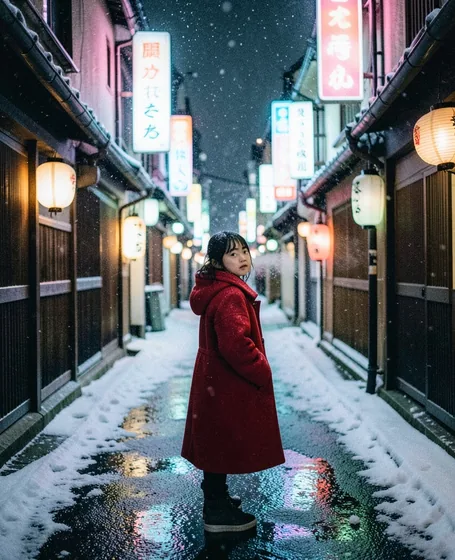
From a sentence to a shot
FLUX.1 Schnell, FLUX.2 Klein and GPT Image 2.5. Eight aspect ratios, up to four images per run, prompts in your own language.
See what it does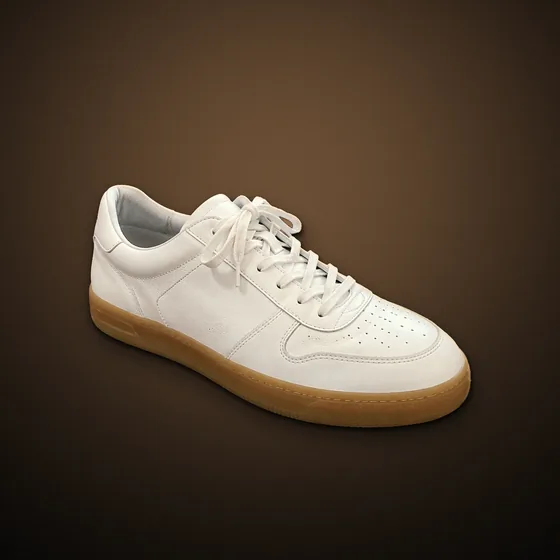
Light it like a studio
Drag the light, add rim light, drop real shadows, pick one of ten looks, swap the background. All non-destructive.
See what it doesHow it works
- 01
Snap the product
Any background works. Daylight and the whole product in frame give the cleanest edges.
- 02
Cut out with hard edges
The hard-edge mode gives crisp, burr-free outlines for bottles, shoes, mugs and boxes.
- 03
Go white, size, export
Solid white background, canvas size and position, an optional soft shadow, then download.
What sellers use it for
Pure #FFFFFF
A true white background. Amazon, for example, asks for pure white (RGB 255, 255, 255) on main images.
Sized for the listing
Square or any ratio, with the product centered and scaled to fill the frame the way listings expect.
Then make the lifestyle shot
Same cutout, one click later: place it in an AI scene for ads, social posts and the second image in your listing.
Marketplace rules change. Check your marketplace's current image requirements before you publish.
Questions
Is it free?
The free plan includes credits every day, reset at 00:00 UTC. Paid plans give more credits and batch cutouts for whole catalogs.
Can I do many products at once?
Batch cutout is available on the Ultra plan. Download the results as a ZIP or open them in the workspace.
Will the product colors change?
No. The cutout only removes the background. Color adjustments are optional and non-destructive, so you can always go back.
Do I need special lighting?
No, but even daylight and a sharp photo give the cleanest edges. Avoid strong backlight behind the product.
Your next listing photo, in a minute.
Upload a photo or type an idea. Cut it out, light it, put it somewhere better, and export. One canvas, start to finish.