Light, shadow and color
Flat in. Cinematic out.
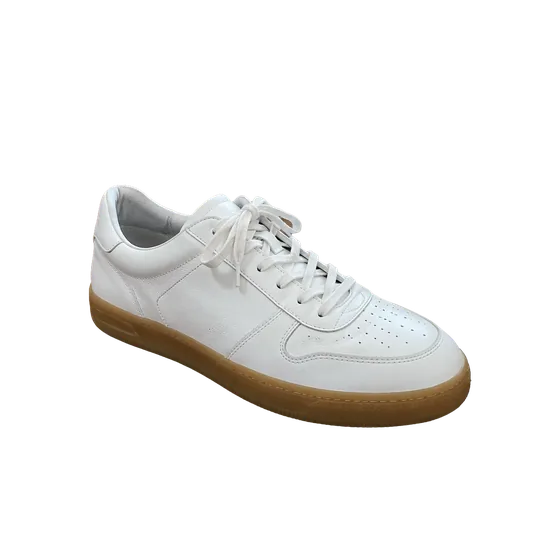
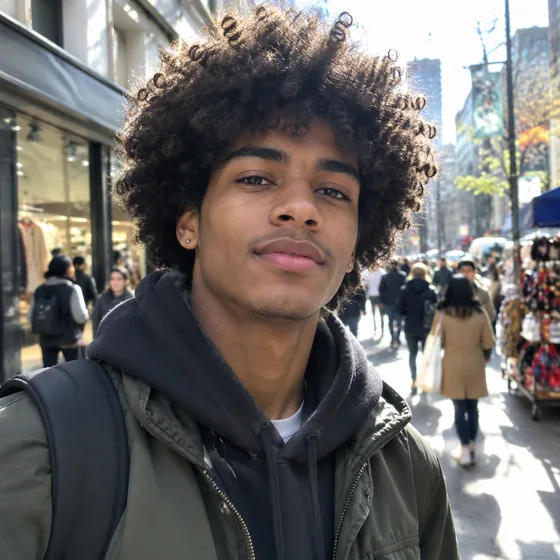
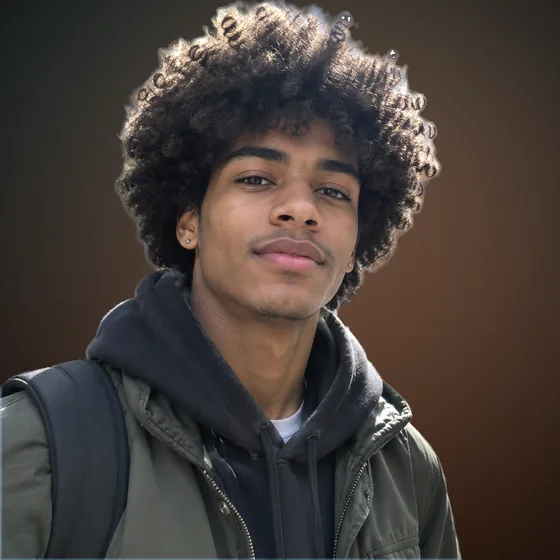
A cutout on a plain background looks pasted. Light and shadow make it real. Drag a light around the subject, add a rim light, ground it with a proper shadow and give it a look, all non-destructive and all undoable.
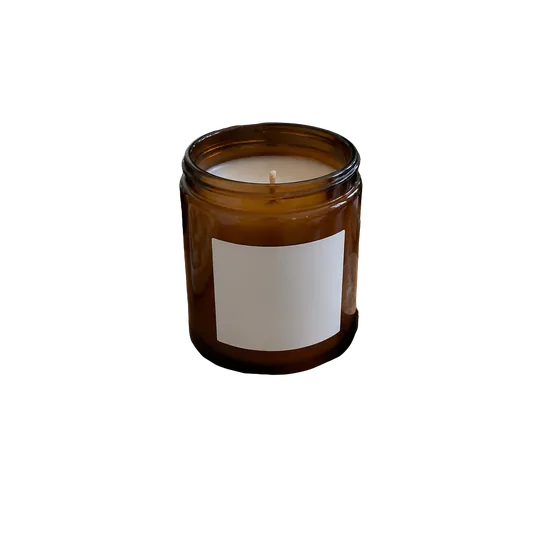
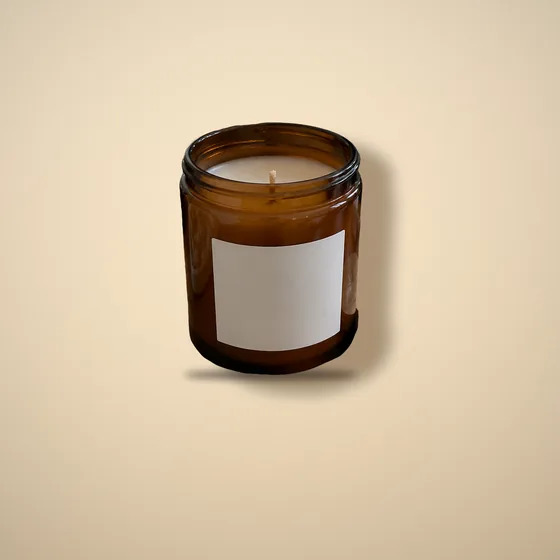
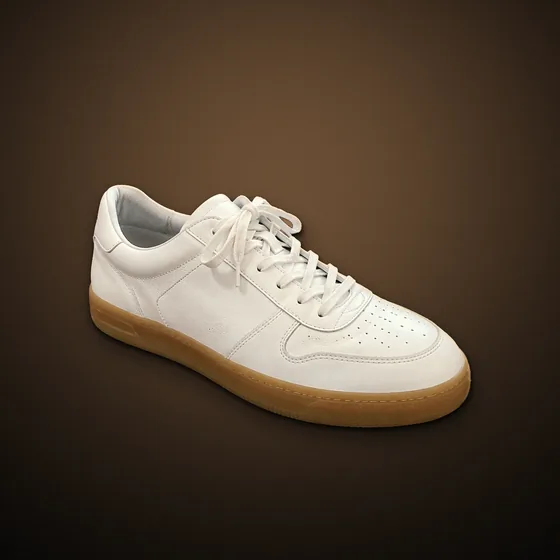
Same cutout, finished
AlphaCut Studio
One studio. Three superpowers.
Most people juggle a background remover, an image generator and an editor, downloading and re-uploading at every step. Here it is one canvas, and every result is ready for the next move.
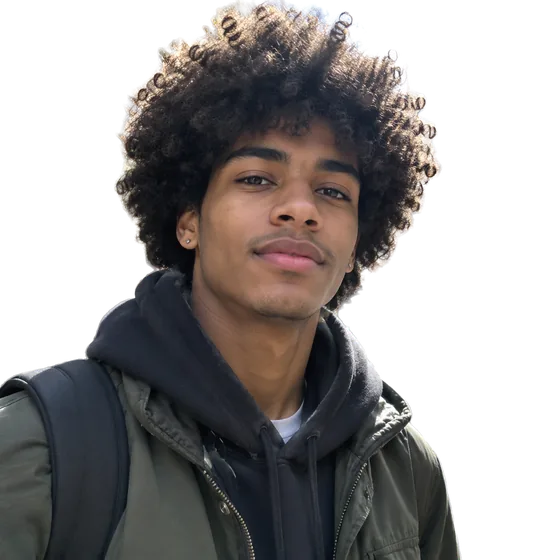
Edges that hold up
Separate modes for hair and fur, hard-edged products and soft outlines. Color fringe removal included.
See what it does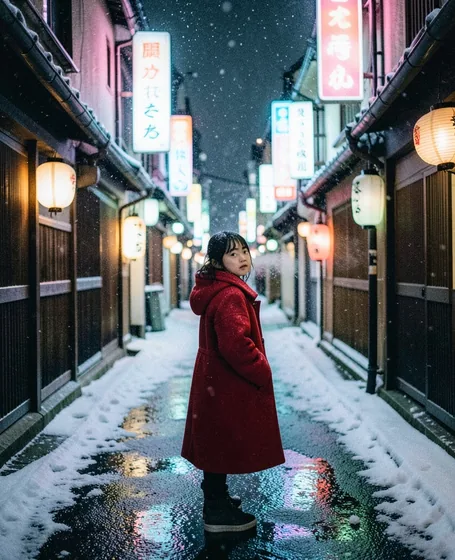
From a sentence to a shot
FLUX.1 Schnell, FLUX.2 Klein and GPT Image 2.5. Eight aspect ratios, up to four images per run, prompts in your own language.
See what it doesLight it like a studio
Drag the light, add rim light, drop real shadows, pick one of ten looks, swap the background. All non-destructive.
See what it doesHow it works
- 01
Start from a cutout
Cut out a photo or a generated image. Shadows and light need a transparent subject.
- 02
Place the light
Drag it on the dial: closer to the center means a higher light and shorter shadows. Add rim light and ambient light.
- 03
Ground it and grade it
Contact, cast or drop shadow, a solid, gradient or image background, one of ten looks, then export.
A lighting kit on the canvas
A light you can move
Direction and height on one dial, plus key light, rim light, ambient light and color temperature.
Shadows that touch the floor
Contact, cast and drop shadows with opacity, softness, distance, length and width.
Ten looks
Clean, Film, Golden, Steel, Cinema, Mono, Noir, Vintage, Matte and Commercial, on top of manual color controls.
Questions
Is the editing destructive?
No. Every setting is a parameter you can change later, with undo, redo and a version filmstrip.
Does lighting cost credits?
No. Lighting, shadows, color and export run in your browser and do not use credits.
Can I use it on photos without cutting out?
Color looks and adjustments work on any photo. Shadows and directional light need a transparent subject, so cut it out first.
Does it work on mobile?
Yes. The studio works on phones as well as desktop browsers.
Make it look shot, not pasted.
Upload a photo or type an idea. Cut it out, light it, put it somewhere better, and export. One canvas, start to finish.