AI product photography
Your phone is the photo studio now.
Shoot the product wherever it is. AlphaCut cuts it out, lights it with a movable light, grounds it with real shadows and builds a scene around it. The whole shoot happens in one browser tab.
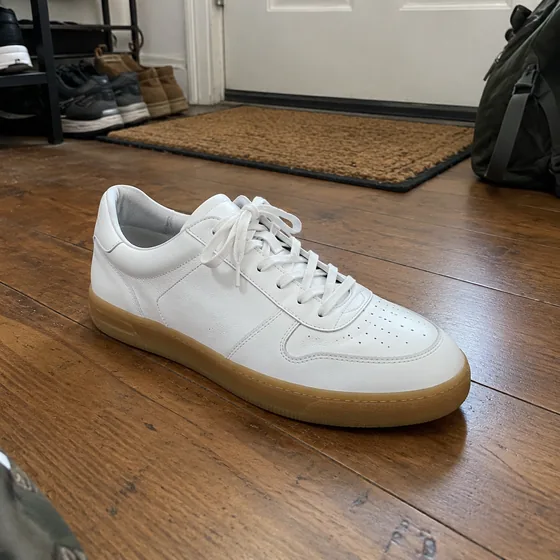
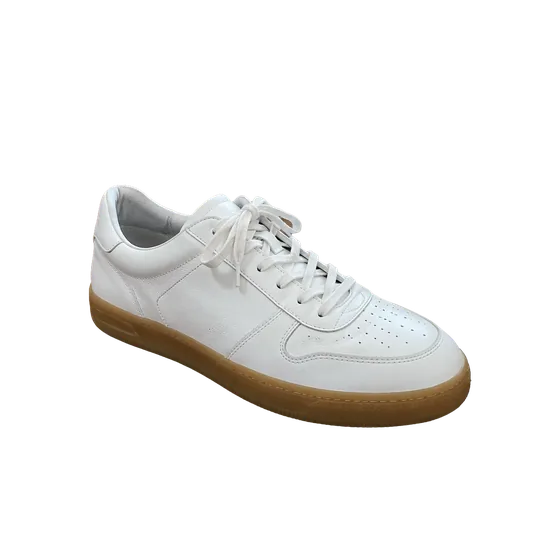
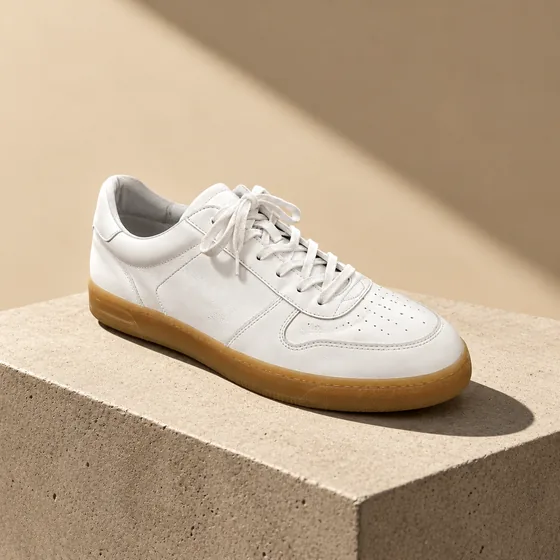
Phone shot, cutout, campaign image
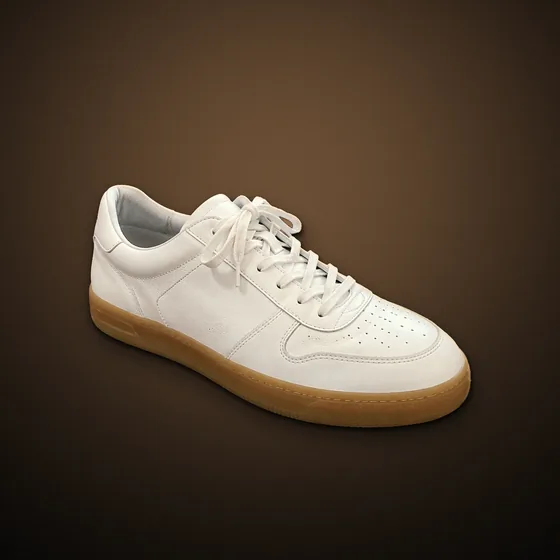
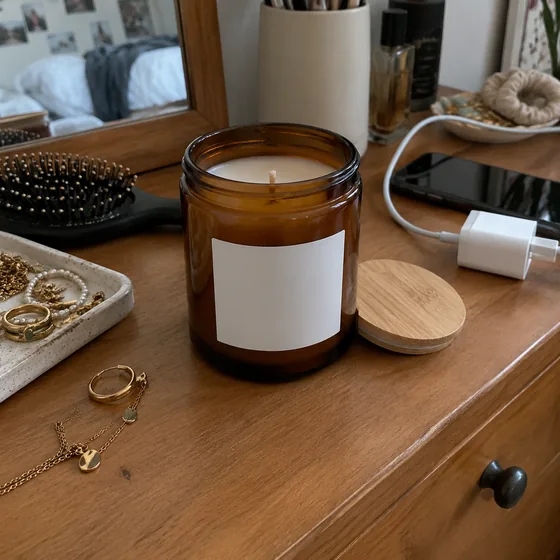
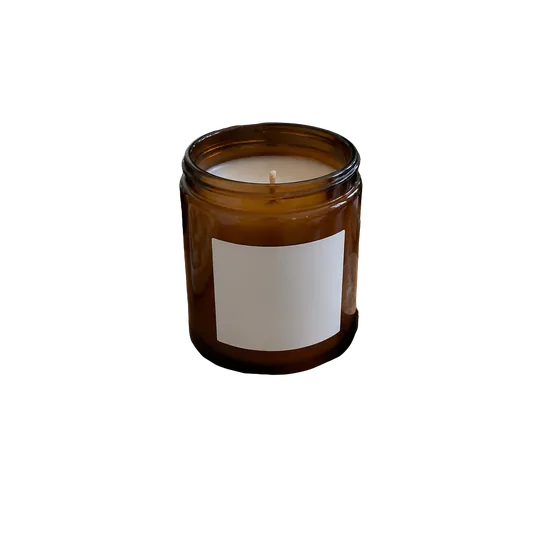

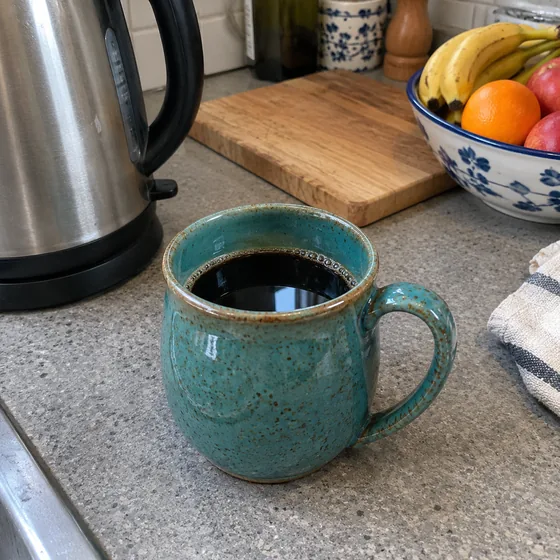
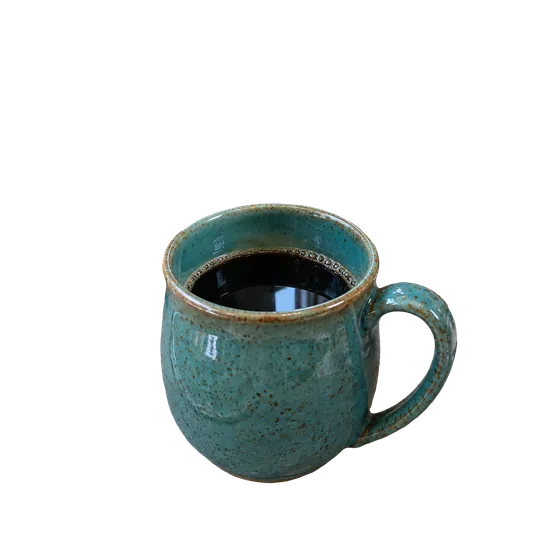

AlphaCut Studio
One studio. Three superpowers.
Most people juggle a background remover, an image generator and an editor, downloading and re-uploading at every step. Here it is one canvas, and every result is ready for the next move.
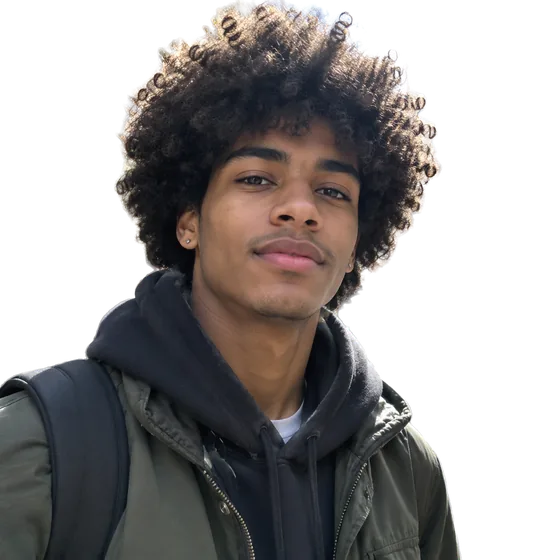
Edges that hold up
Separate modes for hair and fur, hard-edged products and soft outlines. Color fringe removal included.
See what it does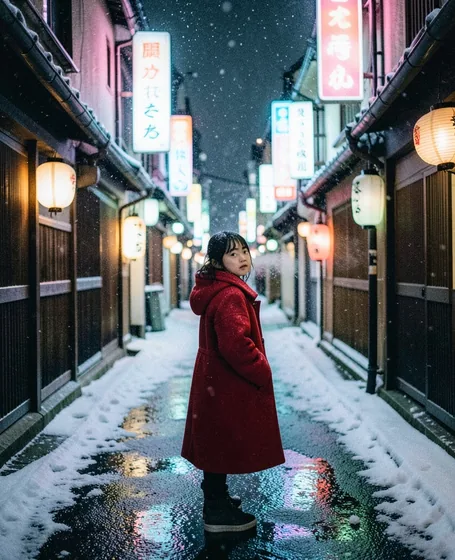
From a sentence to a shot
FLUX.1 Schnell, FLUX.2 Klein and GPT Image 2.5. Eight aspect ratios, up to four images per run, prompts in your own language.
See what it doesLight it like a studio
Drag the light, add rim light, drop real shadows, pick one of ten looks, swap the background. All non-destructive.
See what it doesHow it works
- 01
Shoot anywhere
Kitchen, hallway, bedroom. The background is going away anyway.
- 02
Cut, light, shadow
Clean cutout, a light you can drag around, contact, cast or drop shadows, and a background you choose.
- 03
Scene and export
Generate a setting with AI or keep it clean on white, then export PNG, JPG or WebP.
The whole shoot, minus the studio
White for the listing
Pure white with a soft shadow for marketplace main images.
Scenes for the ads
Describe a setting and get a lifestyle shot, with a mode that keeps your product untouched.
Looks for the brand
Ten color looks plus key light, rim light, ambient light and color temperature, so a whole catalog feels consistent.
Questions
Do I need a camera or lighting kit?
No. A phone photo in decent daylight is enough. Lighting and shadows are added afterwards on the canvas.
Will my product look different?
The cutout, light and shadow controls never redraw your product. Among AI scenes, Keep product mode leaves it untouched; Creative scene may change fine details.
Can I do a whole catalog?
Batch cutout is available on the Ultra plan, with ZIP download. Finishing is done per image.
What does it cost?
There is a free plan with credits every day. Each action shows its credit cost before you run it.
Do the whole shoot before lunch.
Upload a photo or type an idea. Cut it out, light it, put it somewhere better, and export. One canvas, start to finish.