AI scenes for products
Same product. Better world.
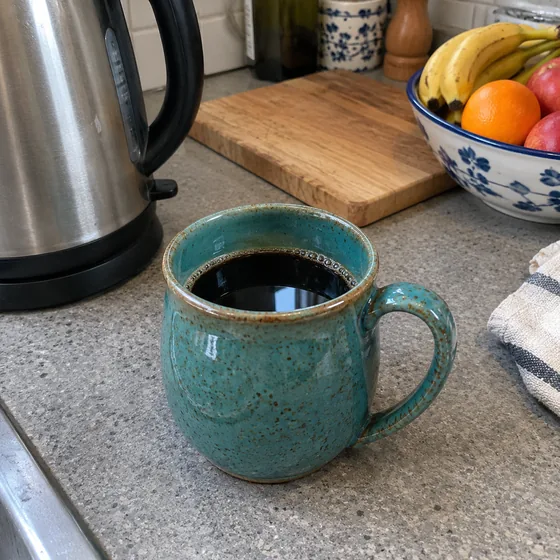
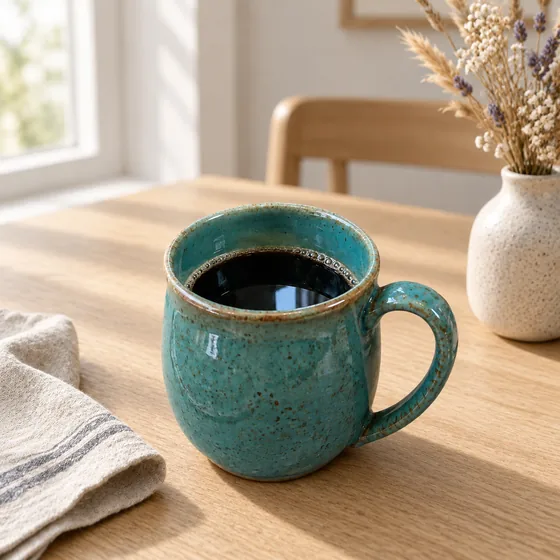
Describe a setting and AlphaCut builds it around your product, with light and shadow that match. The photo you took on a cluttered dresser becomes the one you put in the ad.
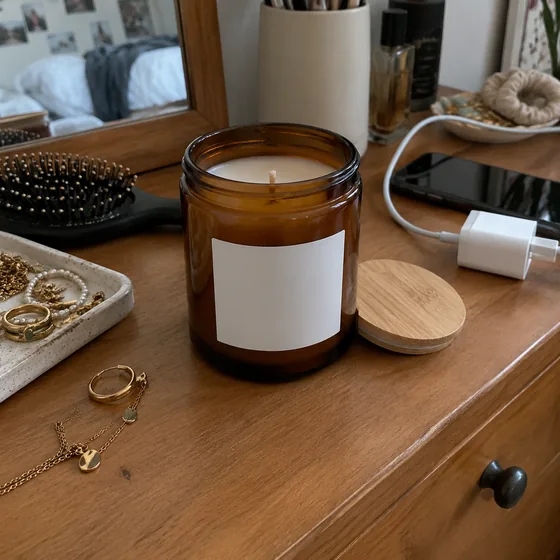
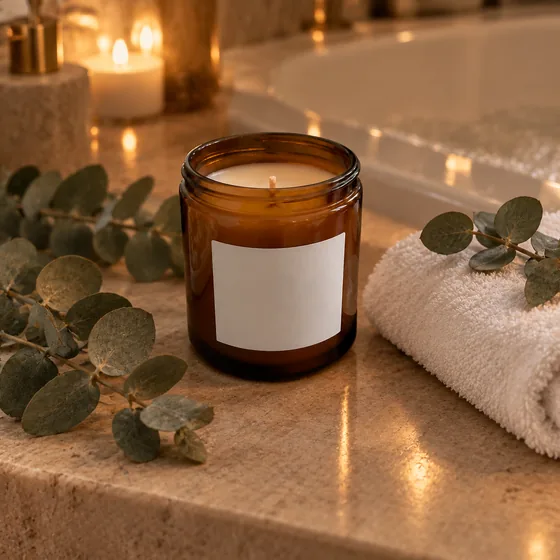
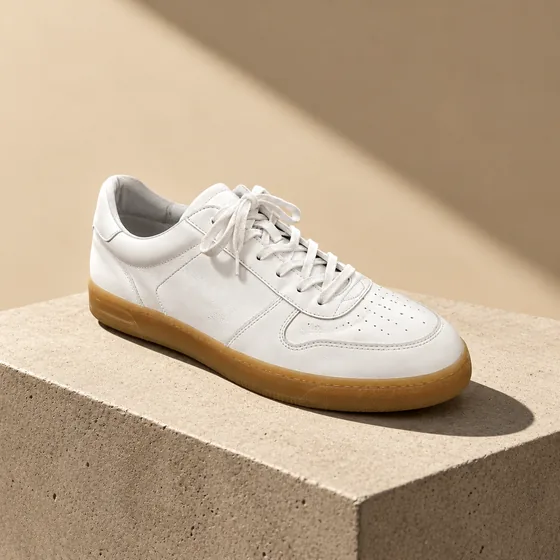
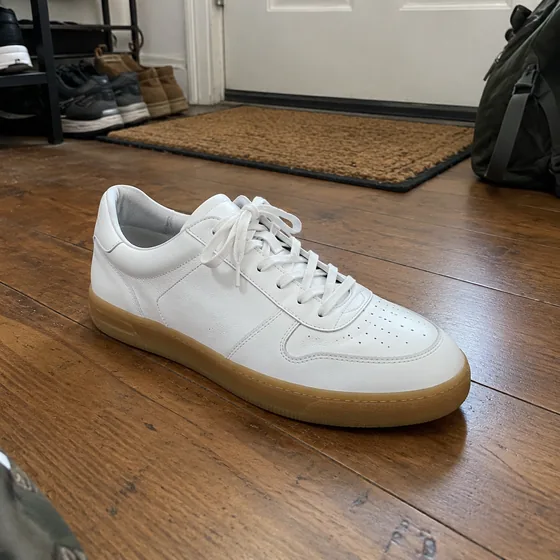
From a messy shelf to a campaign
AlphaCut Studio
One studio. Three superpowers.
Most people juggle a background remover, an image generator and an editor, downloading and re-uploading at every step. Here it is one canvas, and every result is ready for the next move.
Edges that hold up
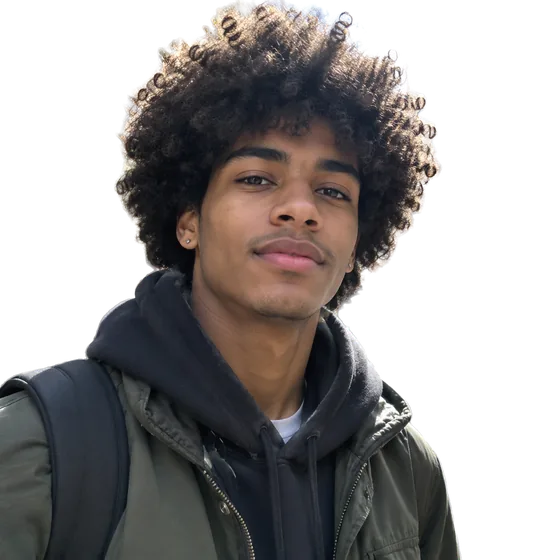
Separate modes for hair and fur, hard-edged products and soft outlines. Color fringe removal included.
See what it does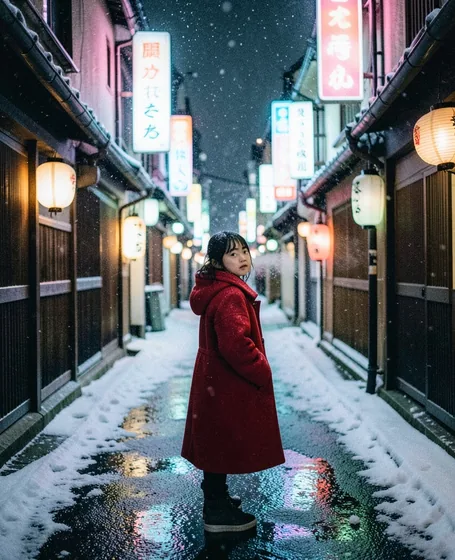
From a sentence to a shot
FLUX.1 Schnell, FLUX.2 Klein and GPT Image 2.5. Eight aspect ratios, up to four images per run, prompts in your own language.
See what it does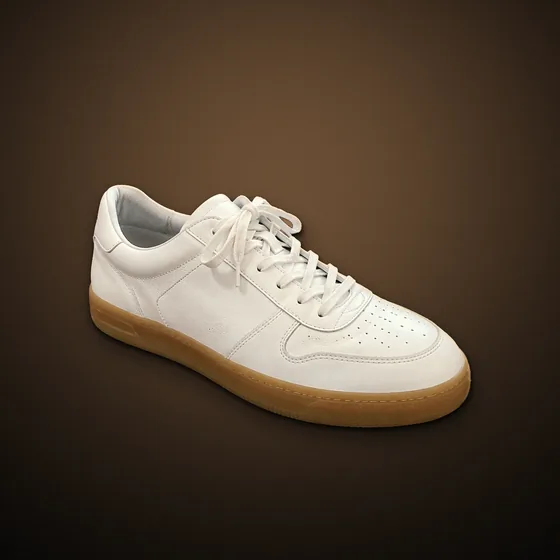
Light it like a studio
Drag the light, add rim light, drop real shadows, pick one of ten looks, swap the background. All non-destructive.
See what it doesHow it works
- 01
Cut out the product
Upload a photo and remove the background. Scenes start from a transparent subject.
- 02
Describe the place
Type a sentence or tap a preset: wooden table, window light, minimal studio, beach at sunset.
- 03
Pick a mode and create
Choose how much the AI may change, then adjust position, shadow and color before you export.
Three scene modes, you choose how far
Keep product
Generates only the background. Your product stays pixel-for-pixel the same and can be moved around.
Creative scene
Repaints the whole image for the most natural light. Fine details on the product may change.
GPT scene
Best at keeping the product intact with natural light. Takes about 30 seconds and costs more credits.
Questions
Will the AI change my product?
Keep product mode never touches it. Creative scene may change details such as small text or texture, so check the result before you publish.
Can I use the images commercially?
As between you and us, you own the images you create, to the extent the law allows, so you can use them for your products and ads. See the Terms for details.
How much does a scene cost?
Each mode costs a set number of credits, shown on the button before you run it. Credits reset every day at 00:00 UTC.
Can I edit the scene afterwards?
Yes. The scene becomes a new version in your workspace, and you can still adjust color, light and canvas size.
Give your product a better backdrop.
Upload a photo or type an idea. Cut it out, light it, put it somewhere better, and export. One canvas, start to finish.