Hair and fur cutouts
Every strand stays.
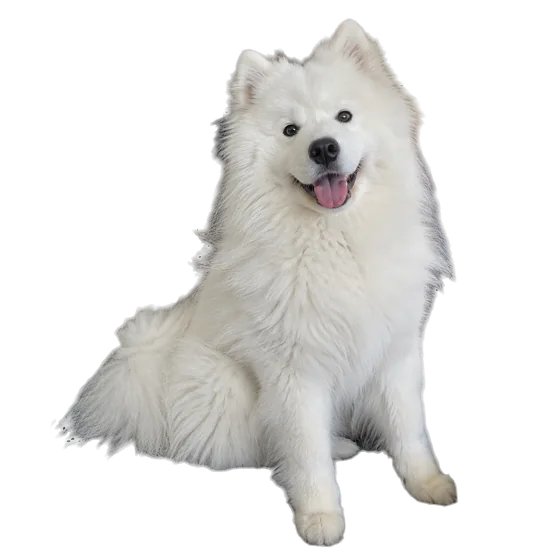
Curls, flyaways and pet fur are where background removers give up and hand you a helmet. AlphaCut has an edge mode built for exactly this, then lets you light and restyle the result without leaving the canvas.
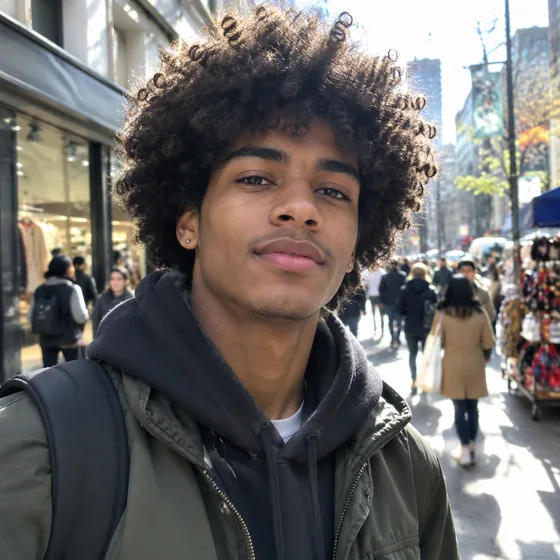
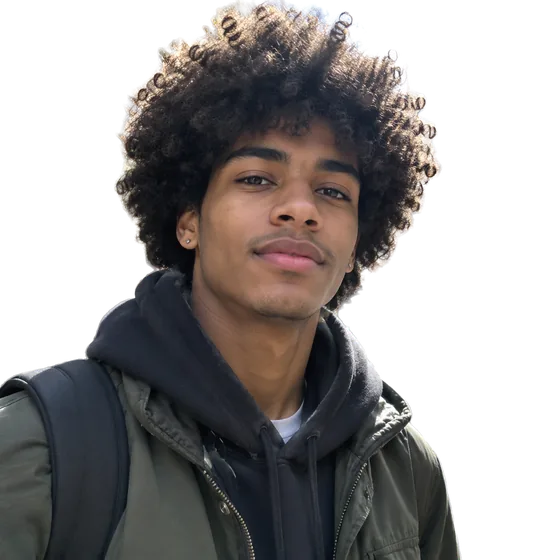
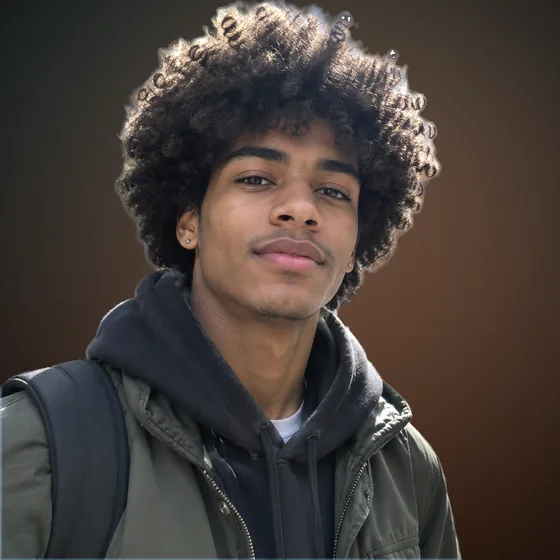
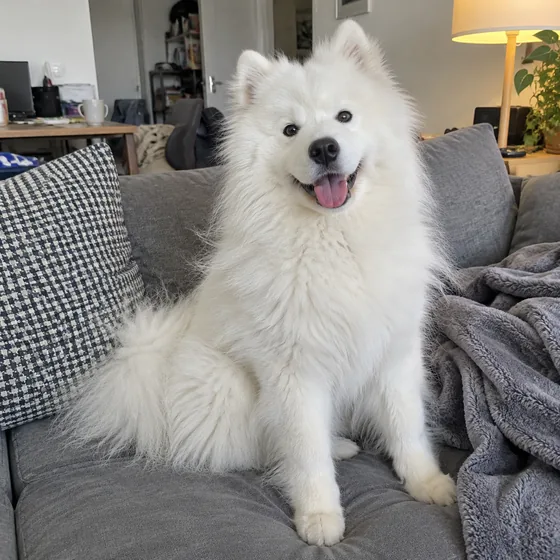
Busy street. Fluffy dog. Clean cutouts.
AlphaCut Studio
One studio. Three superpowers.
Most people juggle a background remover, an image generator and an editor, downloading and re-uploading at every step. Here it is one canvas, and every result is ready for the next move.
Edges that hold up
Separate modes for hair and fur, hard-edged products and soft outlines. Color fringe removal included.
See what it does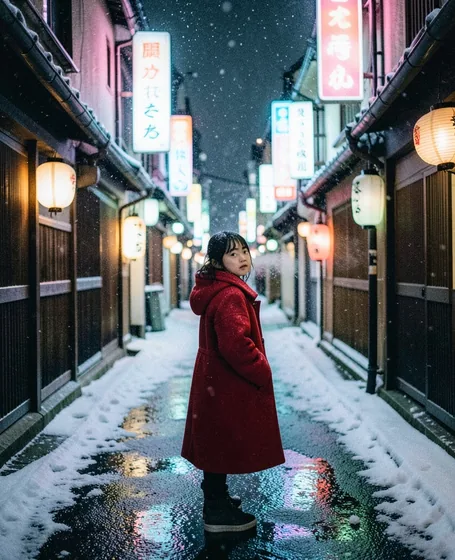
From a sentence to a shot
FLUX.1 Schnell, FLUX.2 Klein and GPT Image 2.5. Eight aspect ratios, up to four images per run, prompts in your own language.
See what it does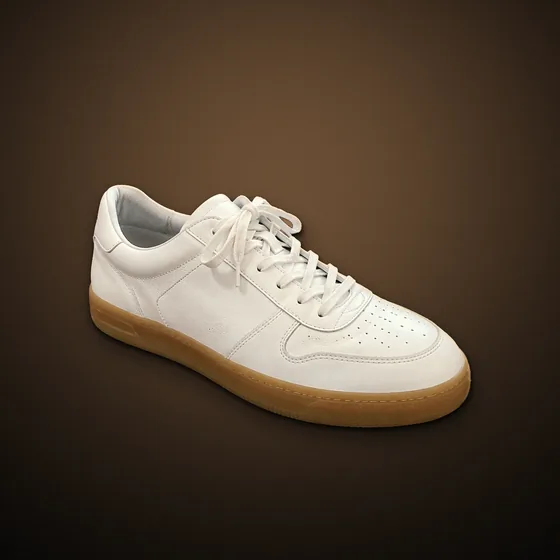
Light it like a studio
Drag the light, add rim light, drop real shadows, pick one of ten looks, swap the background. All non-destructive.
See what it doesHow it works
- 01
Drop in a photo
JPG, PNG or WebP from any phone or camera. Busy backgrounds are fine.
- 02
Pick Hair & fur
The edge mode keeps loose strands and soft fur. Auto also detects people and pets for you.
- 03
Refine, then go further
Tune shrink, feather, hardness and fringe, export a transparent PNG, or keep going with light, shadow and a new scene.
Built for the hard edges
An edge mode per subject
Hair & fur, hard edges for products, soft edges for fabric or smoke. Choose one, or let Auto decide.
No color halo
Fringe removal strips the old background color out of the hair edge, so the subject sits clean on anything new.
The cutout is just the start
Relight with a light dial, add rim light, drop a shadow, change the background or generate a whole new scene.
Questions
Can I remove the background from hair for free?
Yes. The free plan gives you credits every day, reset at 00:00 UTC, and the hair and fur mode is included.
Does it work on pets and fur?
Yes. The Hair & fur mode is made for people and animals. Long, wispy fur works best on a background that contrasts with it.
What format do I get?
A transparent PNG by default. JPG and WebP are also available when you export.
What if some background is left between the strands?
Use the edge controls to shrink or harden the edge, or switch to the fine cutout tier, which spends more effort on edges.
Bring your hardest photo.
Upload a photo or type an idea. Cut it out, light it, put it somewhere better, and export. One canvas, start to finish.